



A damaged MacBook screen can interrupt work, study, and daily routines without warning. Cracks, flickering lines, or a completely black display often feel alarming. However, most of these issues are fixable with the right diagnosis and parts. MacBook screen repair is not only about replacing glass. It involves understanding display technology, internal connections, and usage patterns. This guide explains common screen problems, what causes them, and how professional repair restores clarity and performance.
Understanding Common MacBook Screen Problems
MacBook displays are engineered for sharp visuals and colour accuracy. Still, they remain vulnerable to physical and internal damage. Knowing the type of problem helps decide the next step.
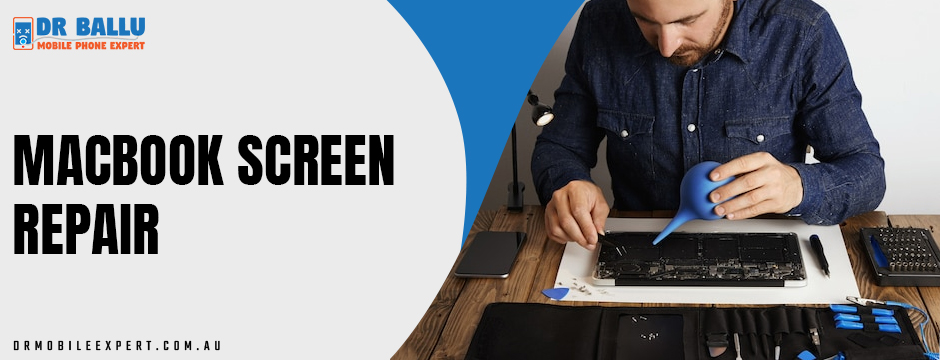
Cracked or Shattered Screens
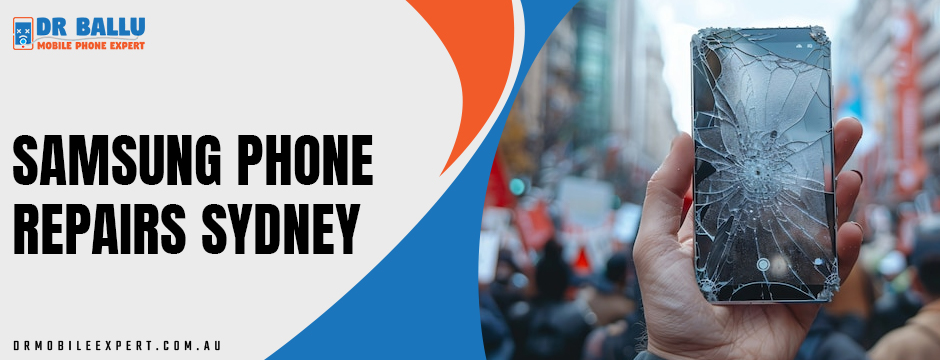
Cracks usually result from drops, pressure inside bags, or closing the lid with an object on the keyboard. Even small fractures spread over time. Consequently, ignoring them can worsen visibility and affect internal layers.
In many cases, the display still works but shows dark patches or lines. This situation requires MacBook screen repair rather than temporary fixes. Screen protectors or tape do not solve internal damage.
Flickering or Lines on the Display
Flickering screens often point to loose display cables or failing backlight components. Sometimes, software updates trigger similar symptoms. However, consistent flickering usually signals a hardware issue.
Technicians test the screen with external displays to isolate the cause. If the problem persists, targeted repair becomes necessary. Early action prevents further component stress.
Black Screen with No Display
A black screen can appear even when the MacBook powers on. You may hear startup sounds or see keyboard lights. This issue often relates to display connectors, damaged panels, or logic board faults.
Before assuming the worst, diagnostics help identify whether the screen itself needs replacement or if internal connections require adjustment.
Why Professional Diagnosis Matters
Screen issues look similar but have different causes. Therefore, guessing leads to unnecessary costs. Professional diagnostics identify whether the problem lies in the panel, cables, or supporting hardware.
Furthermore, accurate diagnosis protects data and avoids accidental damage during repairs. This step ensures MacBook screen repair addresses the root cause, not just visible symptoms.
The Repair Process Explained Step by Step
Understanding the repair process builds confidence and sets expectations.
Initial Assessment and Testing
Technicians inspect physical damage, test brightness levels, and connect external displays. They also check for software conflicts. This stage confirms whether a screen replacement is required.
Screen Replacement or Component Repair
If the panel is damaged, replacement becomes the safest option. High-quality parts ensure colour accuracy and brightness match original standards. In some cases, cable reseating or backlight repair solves the issue without full replacement.
Final Calibration and Quality Checks
After repair, brightness, colour balance, and responsiveness are tested. This step ensures the MacBook performs reliably under daily use conditions.
Cost Factors You Should Know
Screen repair costs vary based on model, screen type, and damage severity. Retina displays and newer models often cost more due to advanced technology.
However, timely MacBook screen repair prevents secondary issues that increase expenses later. Delaying repair can strain internal components and reduce resale value.
When Repair Makes More Sense Than Replacement
Replacing a MacBook solely due to screen damage is often unnecessary. Repair restores usability at a fraction of replacement cost. This option suits students, professionals, and remote workers who depend on reliable devices.
Furthermore, repairing extends device lifespan and reduces electronic waste. It is a practical and responsible choice.
Real-World Use Cases
Professionals and Remote Workers
Designers, developers, and consultants rely on screen clarity. Flickering or cracks affect productivity and accuracy. Fast repair minimizes downtime and protects work quality.
Students and Everyday Users
Students use MacBooks for assignments, research, and online classes. Screen damage disrupts learning. Affordable repair options keep education on track.
Multi-Device Households
Many households manage multiple devices. While addressing a MacBook display issue, users often inquire about Samsung phone repairs in Sydney for cracked phone screens or battery issues. Bundling repairs saves time and simplifies service visits.
Preventing Future Screen Damage
While accidents happen, some habits reduce risk.
- Use padded sleeves during travel
- Avoid placing objects on the keyboard
- Clean screens with proper microfiber cloths
- Adjust brightness to reduce backlight strain
These steps protect your investment after MacBook screen repair is completed.
Repair vs DIY: Understanding the Risks
Online tutorials make DIY repairs seem simple. However, MacBook displays involve delicate connectors and adhesive layers. One mistake can damage logic boards or cameras.
Professional repair ensures safety, warranty coverage, and proper calibration. Consequently, it delivers lasting results rather than temporary fixes.
Choosing the Right Repair Specialist
Experience matters. Look for technicians familiar with multiple MacBook models and display generations. Transparent pricing, clear timelines, and post-repair support indicate reliability.
Some repair centres also handle Samsung phone repairs in Sydney, reflecting broader device expertise. This range often signals strong diagnostic skills and quality standards.
The Role of Genuine and Compatible Parts
Screen quality depends on the parts used. Inferior displays may appear dim or inaccurate. Trusted repair services source high-grade components that meet performance expectations.
This focus ensures MacBook screen repair restores the original viewing experience rather than compromising it.
Environmental and Long-Term Benefits
Repairing instead of replacing supports sustainability. Fewer devices end up in landfills. Additionally, users save money and reduce the demand for new manufacturing.
This approach aligns with responsible technology use while meeting practical needs.
When to Seek Immediate Help
Certain signs require prompt attention:
- Spreading cracks
- Persistent flickering
- Complete display failure
- Visible liquid damage
Early intervention limits damage and improves repair outcomes.
How Screen Repair Fits into Broader Device Care
Many users maintain laptops and phones together. Addressing a MacBook issue alongside Samsung phone repairs in Sydney creates a streamlined maintenance routine. This habit keeps all devices reliable and secure.
Your Trusted Experts for MacBook Screen Repairs in Sydney
At Dr. Ballu Mobile Phone Expert, we specialise in precise MacBook screen repair solutions for cracked, flickering, or black displays. We combine expert diagnostics, high-quality parts, and careful workmanship to restore clarity and performance. From initial testing to final calibration, we handle every step with accuracy and care. We also support multi-device needs, making repairs simple, reliable, and stress-free. With us, your MacBook is in skilled hands from start to finish.
Final Thoughts on Screen Repair Decisions
Screen issues disrupt productivity but rarely mean the end of a device. With proper assessment and skilled handling, most problems are solvable. MacBook screen repair offers a practical path to restore performance without unnecessary expense.
In conclusion, understanding symptoms, acting early, and choosing experienced technicians make all the difference. A clear display supports focus, efficiency, and long-term device value.
For those seeking dependable repair backed by experience and careful workmanship, Dr. Ballu Mobile Phone Expert offers professional screen solutions with a customer-first approach.