


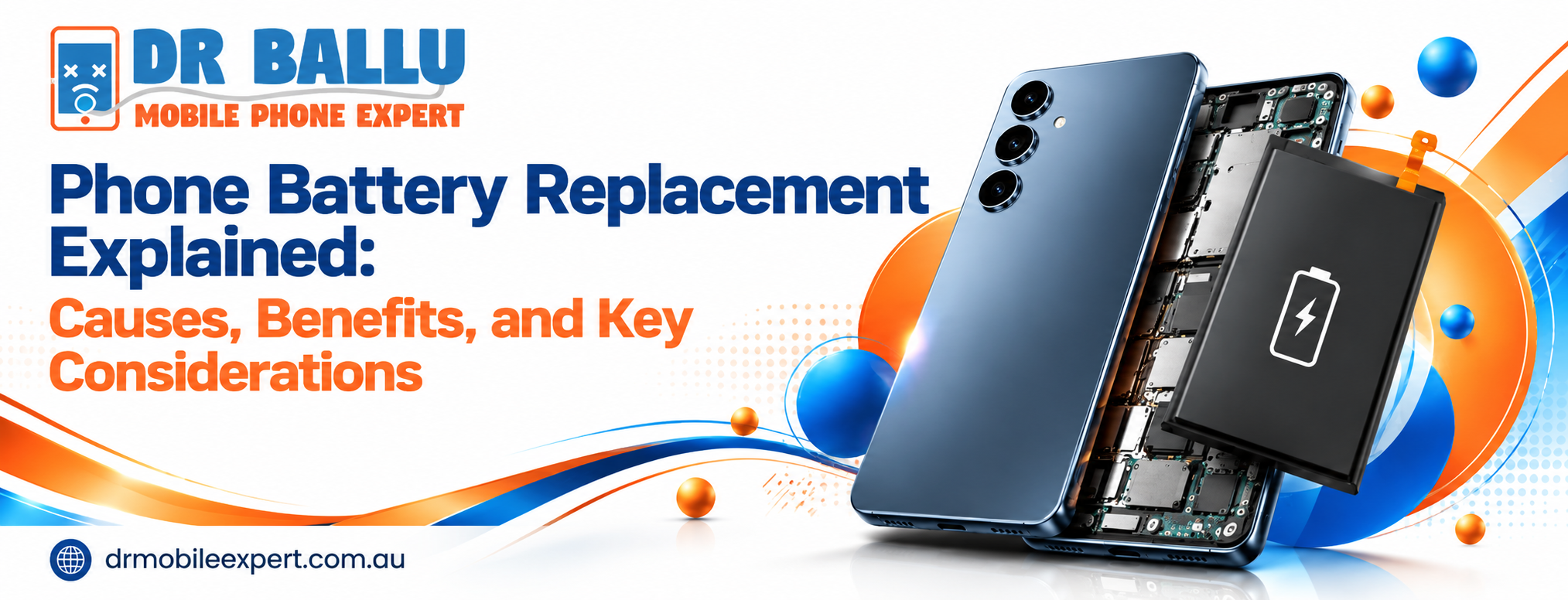
A phone battery can gradually lose its ability to store and deliver power. The result may be frequent charging, sudden shutdowns, overheating, or poor battery life.
Phone battery replacement is the process of removing a worn or damaged rechargeable battery and installing a compatible replacement. However, battery failure is not always the cause of poor performance. A faulty charging port, damaged cable, software issue, or internal hardware fault can produce similar symptoms.
Understanding the cause first helps you avoid an unnecessary repair.
What Is Phone Battery Replacement?
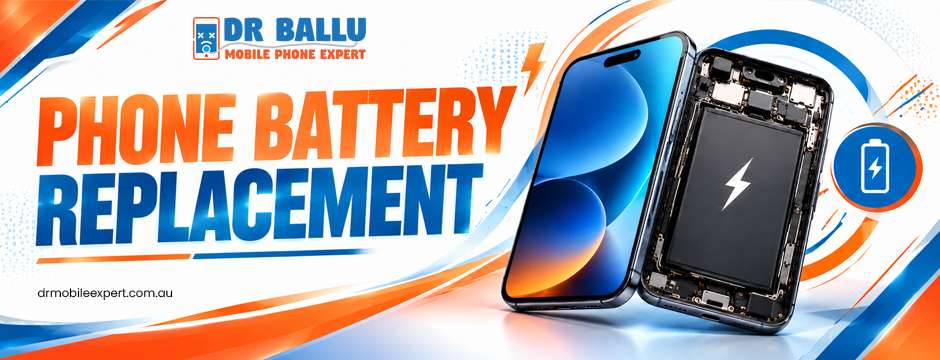
Phone battery replacement involves removing an old battery and fitting a new one that matches the device’s model and electrical specifications.
Technicians normally inspect the phone before starting work. They may test battery health, charging behaviour, power stability, and related components. This helps determine whether the battery itself is responsible for the problem.
For sealed smartphones, the process can involve carefully opening the device, disconnecting the battery, removing adhesive, installing the new component, and testing the phone afterwards.
When Does a Phone Need a Battery Replacement?
A battery may need replacement when it can no longer provide reliable power during normal use.
Common warning signs include:
- Rapid battery drain: The charge drops unusually quickly.
- Unexpected shutdowns: The phone switches off even when the battery indicator shows remaining power.
- Poor charge retention: The device reaches full charge but loses power soon afterwards.
- Overheating: The phone becomes unusually hot during ordinary use or charging.
- Battery swelling: The back cover or screen may appear raised.
- Charging problems: The phone struggles to charge despite using a working charger.
- Failure to start: The device remains unresponsive after adequate charging.
These symptoms are useful clues, but they do not confirm battery failure by themselves.
Why Does a Phone Battery Stop Holding a Charge?
Lithium-ion batteries naturally lose capacity as they age. Every charging cycle contributes to gradual chemical degradation.
Heat can accelerate this process. Heavy gaming, demanding applications, prolonged exposure to high temperatures, and frequent intensive charging can place additional stress on the battery.
Physical impact can create another problem. A damaged battery may swell, overheat, or behave unpredictably.
Charging accessories can also be responsible. A defective cable, adapter, or charging port may prevent the battery from receiving power correctly. Therefore, testing the entire charging system is important.
How Is a Phone Battery Diagnosed?
A professional diagnosis should come before replacement.
A technician may check:
- Battery condition – to identify capacity loss or abnormal behaviour.
- Charging performance – to determine whether power reaches the device correctly.
- Charging port – to identify physical damage, contamination, or loose connections.
- Software behaviour – to check whether apps or system problems are consuming excessive power.
- Physical condition – to identify swelling, impact damage, liquid exposure, or other faults.
The result determines the appropriate repair. Sometimes the battery must be replaced. In other cases, a software reset, firmware update, charging-port repair, or different component may resolve the issue.
What Happens During Phone Battery Replacement?
Once testing confirms battery failure, the technician selects a compatible replacement for the specific phone model.
The device is opened using the appropriate repair method. The existing battery is disconnected and removed, then the replacement is installed securely.
The technician should then test essential functions. These may include charging, power stability, battery detection, and general device operation.
This final testing matters. A phone should not simply turn on after repair; its charging and power behaviour should also be checked.
What Are the Benefits of Replacing an Old Battery?
A new battery can make a noticeable difference when degradation is the main problem.
More Reliable Daily Use
You may spend less time looking for a charging outlet. This can be particularly useful when travelling, working remotely, or using navigation throughout the day.
Fewer Unexpected Shutdowns
A severely degraded battery may struggle to maintain stable voltage under load. Replacement can help reduce interruptions caused by sudden power loss.
Extended Device Lifespan
If the screen, processor, camera, storage, and other components remain in good condition, replacing the battery can extend the practical life of the phone.
Better Value
Repairing one failing component may cost less than replacing an otherwise functional device. The right choice depends on the phone’s age, condition, repair cost, and remaining software support.
What Should You Check Before Choosing a Battery Repair?
Confirm the Exact Phone Model
Battery components are not universally interchangeable. Check the exact model number before ordering a replacement.
This is particularly important when considering Samsung battery replacement. Different Samsung models can use different battery capacities, connectors, dimensions, and installation methods.
Ask About Battery Quality
A replacement should meet the phone’s required specifications. Ask whether the component is compatible with your model and whether the repair includes a warranty.
Understand the Total Cost
A repair quote may include the battery, labour, diagnostic work, and testing. Confirm what is included before approving the repair.
Ask About Turnaround Time
Straightforward repairs may be completed relatively quickly. However, devices with additional damage may require more diagnostic work.
A realistic timeframe is preferable to a rushed repair that overlooks another fault.
Is Samsung Battery Replacement Different From Other Repairs?
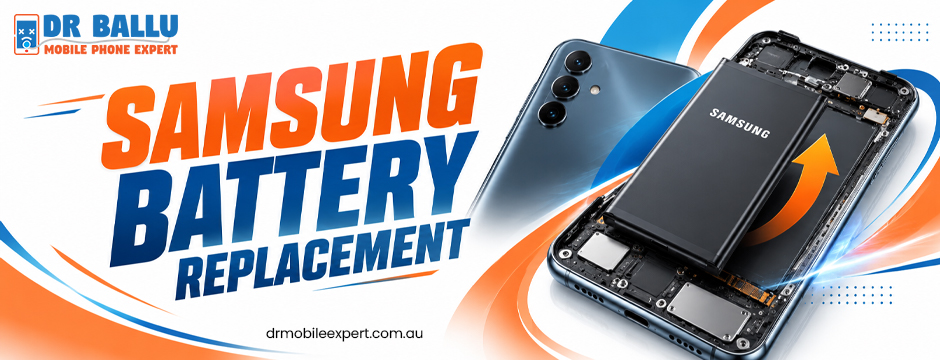
Samsung battery replacement follows the same basic principle as other smartphone battery repairs, but the exact procedure depends on the model.
Samsung devices have different internal layouts and battery configurations. Some repairs require careful separation of the rear panel and adhesive before the battery can be accessed.
A qualified technician should therefore identify the precise model before selecting the replacement component.
The same approach applies to iPhones and other major smartphone brands. Device-specific repair methods help protect internal connectors, displays, cameras, and other delicate components.
Can a Battery Problem Be Fixed Without Replacing the Battery?
Yes. Not every battery-related symptom requires a new battery.
A background application may consume excessive power. An operating-system issue can also affect battery behaviour. Similarly, a damaged charging port may prevent normal charging even when the battery remains healthy.
For this reason, phone battery replacement should be based on diagnosis rather than symptoms alone.
If software is responsible, updating the operating system, removing a problematic application, or resetting certain settings may help. If the charging port is damaged, repairing that component may restore normal charging.
What Should You Do If the Battery Is Swollen?
A swollen battery requires particular caution.
Do not press, puncture, bend, or attempt to remove it yourself. Avoid continuing to charge a visibly swollen device. Instead, arrange professional inspection as soon as practical.
Battery swelling can indicate internal chemical or physical damage. Safe handling is more important than trying to extend the device’s use for another few days.
When Should You Replace the Phone Instead?
Battery repair is not always the most economical option.
Consider the phone’s overall condition. If it works well apart from its battery, replacement may extend its useful life. However, extensive screen damage, charging faults, motherboard problems, poor performance, or limited software support can change the calculation.
Compare the repair cost with the phone’s current value and your expected future use.
How to Choose a Reliable Repair Service
Look for a provider that offers clear diagnostics rather than immediately recommending a new battery.
Check whether technicians work with your specific model. Ask about replacement-part quality, warranty coverage, pricing, and expected turnaround time.
It is also worth asking whether the phone will be tested after repair. Proper post-repair checks can identify charging or power issues before the device is returned.
For customers considering Samsung battery replacement, model compatibility and technician experience are especially important because battery access and installation can vary between devices.
Why Choose Dr. Ballu Mobile Phone Expert for Battery Repairs?
With 10+ years of tech experience, Dr. Ballu Mobile Phone Expert delivers reliable phone battery replacement backed by skilled technicians and customer-focused service. Our expert team can complete many repairs with 30-minute on-the-spot service, helping minimise disruption to your day. We also prioritise on-time delivery, quality components, transparent service, and dependable repair workmanship. Whether your device has rapid battery drain, charging issues, or a failing battery, trust our local experts for professional, affordable solutions.
Final Takeaway
Phone battery replacement can be a practical way to restore dependable power without buying an entirely new device. The key is identifying the actual cause first.
Look for symptoms such as rapid drain, poor charge retention, unexpected shutdowns, overheating, or swelling. Then consider battery quality, compatibility, repair cost, warranty, and post-repair testing.
A careful diagnosis leads to a better repair decision and helps prevent spending money on the wrong component. For professional assessment and repair options, contact Dr. Ballu Mobile Phone Expert for assistance with your device.